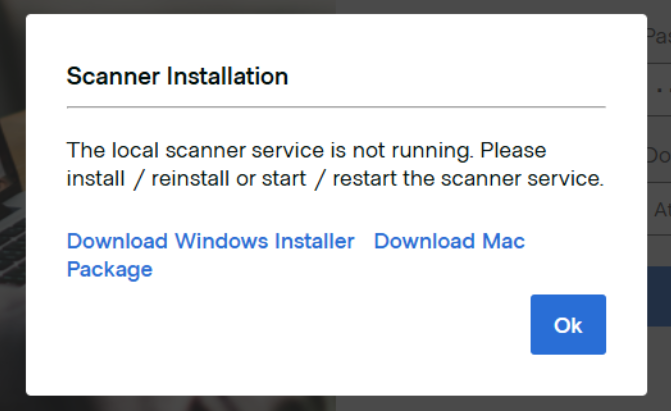
When you sign in to TD Remote Deposit Capture from a computer that was previously activated, you may encounter a warning message indicating that the scanner service cannot be detected or initialized.
Causes:
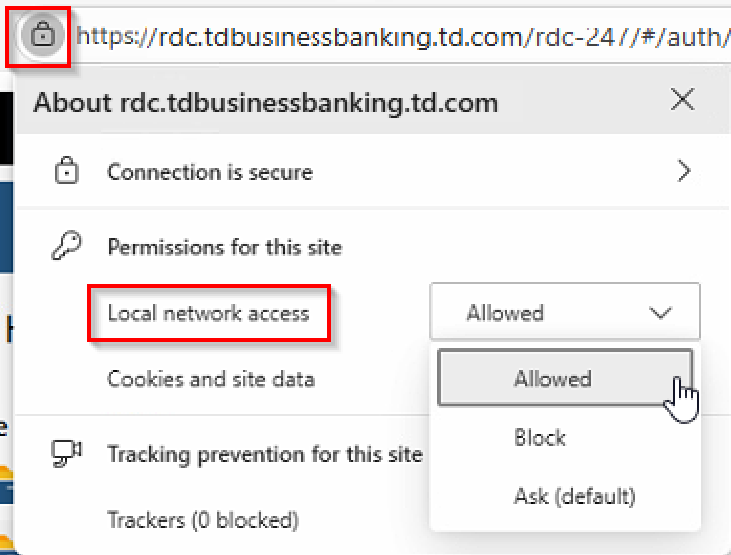
The browser’s site permissions are blocking local network access required by the RDC scanner components.
Resolution:
- In the browser, select the Lock icon located next to the TD RDC URL.
- Locate Local network access in the site permissions.
- Change the permission to Allow.
- Close the browser completely, then reopen and sign back in.